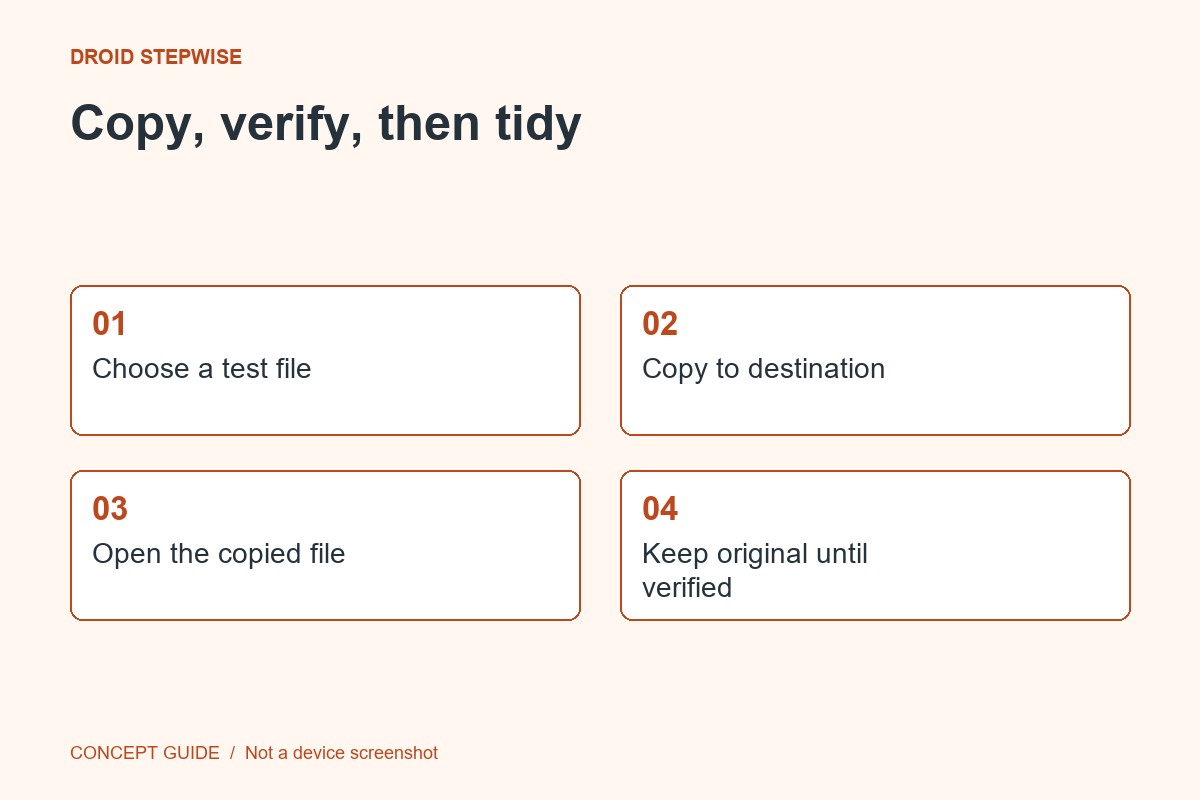
You do not need a complex folder tree to find a few important downloads. Practice with a small batch, keep the file extensions intact and verify that moved files still open.
1. Select a small sample
Open your trusted file manager and review a few Downloads items you recognize. Leave unfamiliar app-managed files alone. Decide which belong to current work and which should be kept as records.
2. Create clear destinations
Use short task-based folder names that make sense to you. A current-work folder and a records folder may be enough. Avoid placing private information in folder names that could appear in a screen share.
3. Move and open
Move a few ordinary documents using the file manager's supported controls. Open them from the destination and check that the content is correct. If another app maintains a link to the old location, update it through that app's supported flow.
4. Repeat only what worked
Continue with the remaining recognizable files, leaving uncertain items for later review. Do not delete the review group simply because it is untidy. The result you want is a document you can find again quickly, not an empty Downloads folder at any cost.