Important travel information should be usable where the connection is unreliable. Assemble a small set of appropriate files and test their offline availability before leaving.
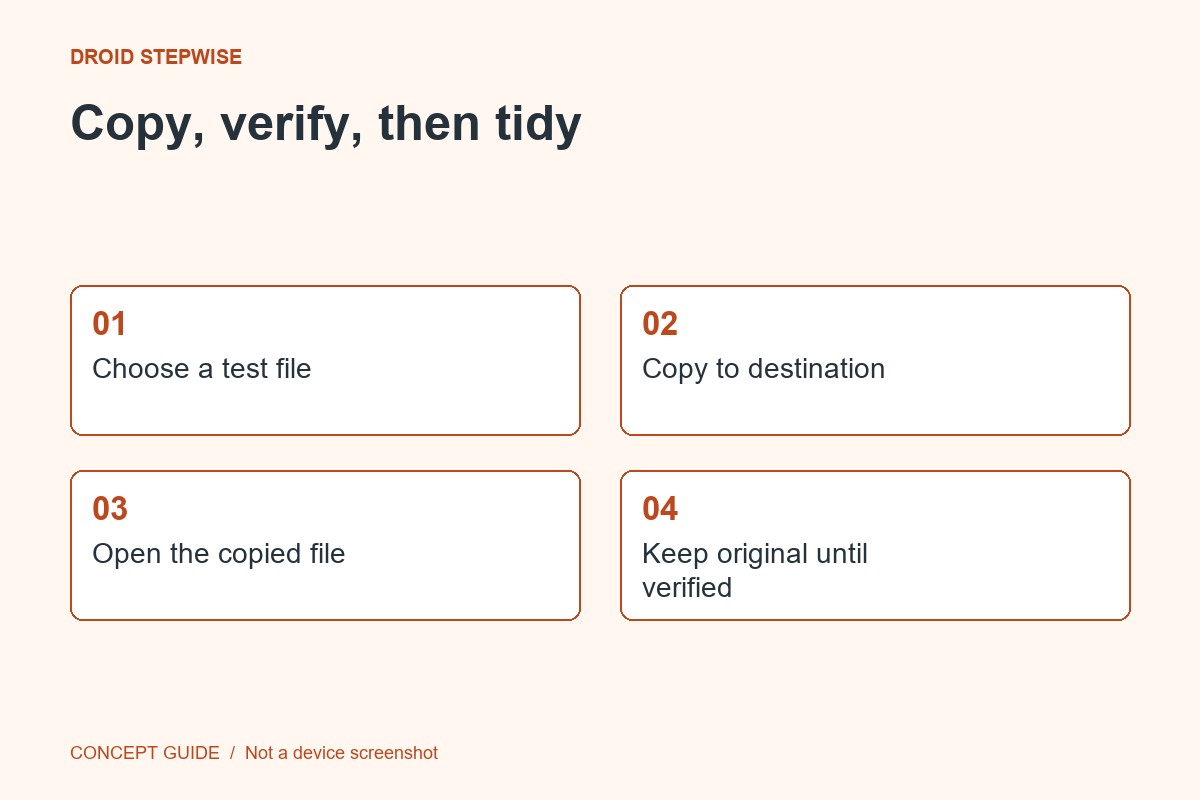
1. Choose only what is necessary
Collect the documents and information needed for the journey. Consider the sensitivity of identity or booking information and use the security controls appropriate to your device. Avoid copying an entire personal archive for convenience.
2. Save through supported methods
Use the service's download or export function where available. A shortcut to an online document is not the same as a local copy. Some apps impose expiry or sign-in requirements, so read their current offline guidance.
3. Test a sample without relying on the network
At a suitable time, verify that the saved files open using the app's documented offline behavior. Check all pages and readability. Keep an alternative for essential information when the service requires live access.
4. Review after the journey
When the purpose is finished, decide which records to retain and which temporary copies can be removed. Understand synchronization and bin behavior before deleting. Keep the remaining material in your normal records location so the travel folder does not become a permanent catch-all.