A migration checklist should reflect what you use, not only what a setup wizard advertises. Group the important items by how they move and verify them on the destination before retiring the old device.
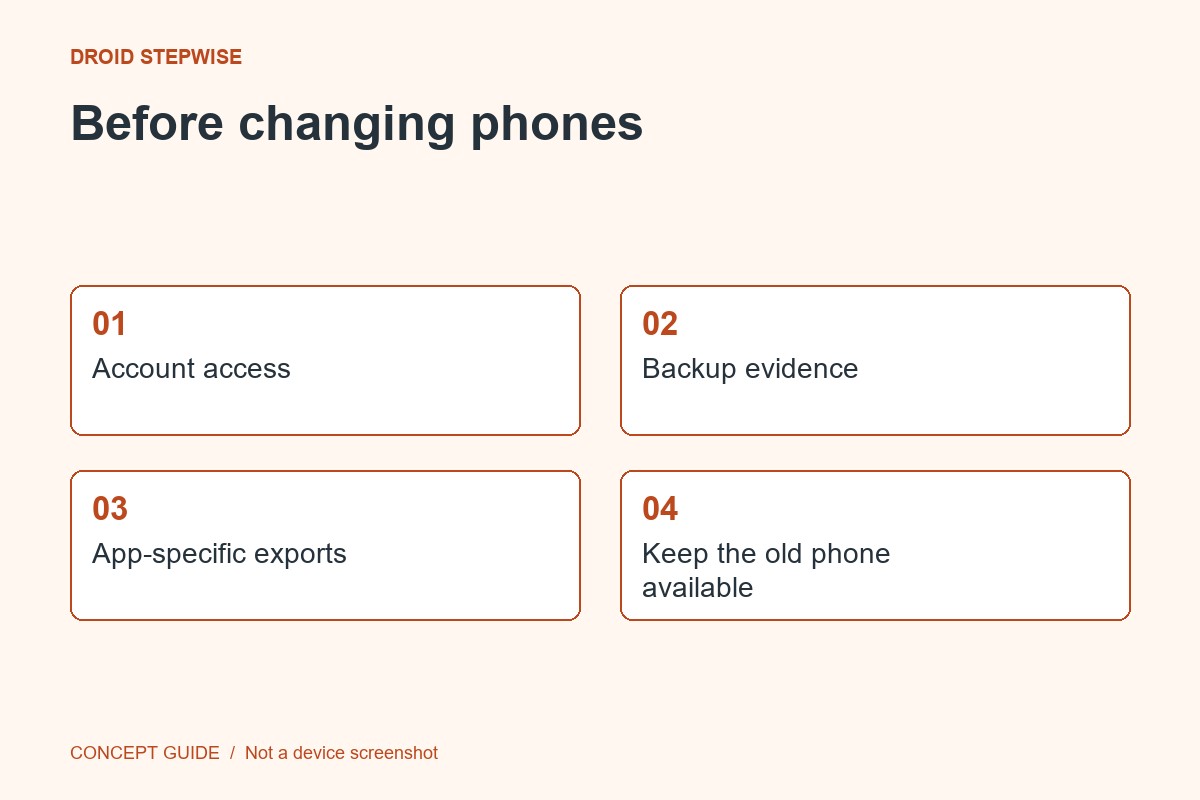
1. Make four groups
List account-synced information, ordinary files, app-specific exports and access tools that need their own transfer process. Keep the list free of passwords and recovery secrets. The categories help you locate the right official instructions.
2. Read before setup
Check the receiving phone's current transfer guidance and the important apps' own migration pages. Cable and wireless options may move supported data, but not every app record follows the same path. Some restore options are offered during initial setup.
3. Transfer a representative sample
Where the process allows, check a few recent photos, a document and important app history. Confirm you are using the intended accounts. An installed icon does not prove that its data is present.
4. Delay erasure until the checks pass
Keep the source device available until essential access and records work on the new one. Resolve missing categories through their responsible providers. Only then follow the manufacturer's official retirement or erase process if that is your intention.