Seeing a backup switch turned on is a starting point. Before moving to another phone, identify what the backup covers and verify the information you would most regret losing.
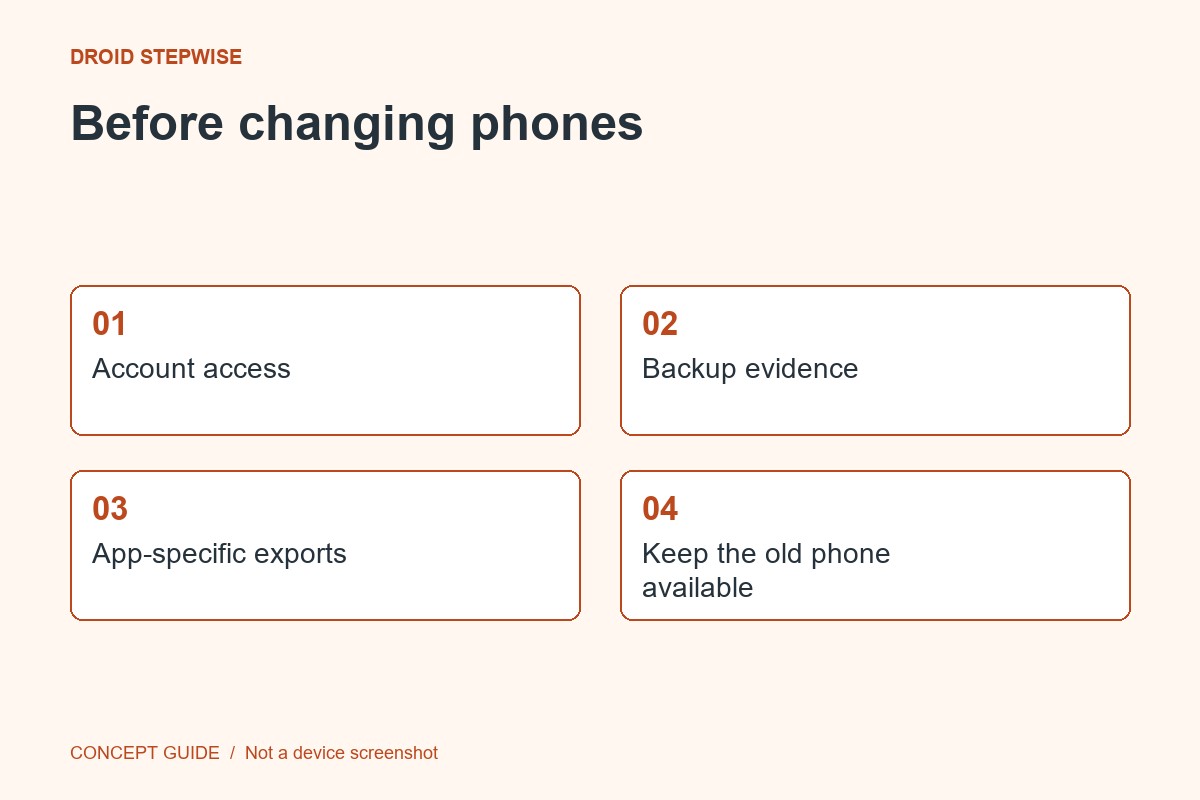
1. Confirm the account and status
Open the phone's backup settings and check the intended account, last completion and any pending work or errors. Allow the documented process to finish on a suitable connection. Managed devices may follow a different organizational process.
2. List app-specific exceptions
Identify important records stored inside individual apps and read their migration instructions. General Android backup does not guarantee every app's complete data. Photos, ordinary files and protected conversations may use different mechanisms.
3. Check the destination
Compare the receiving phone's Android version and read its setup restore instructions before proceeding. A backup from a higher Android version cannot simply be restored to a lower one. Full migration choices may be tied to initial setup.
4. Keep the old phone until verified
After transfer, open recent files, check essential app records and confirm account access on the new device. Do not erase the old phone just because app icons appeared. Retain it until the specific items on your checklist have passed their checks.