An app timer is a practical boundary to experiment with, not a universal measure of healthy phone use. Start with one nonessential app and choose a limit that fits a real intention.
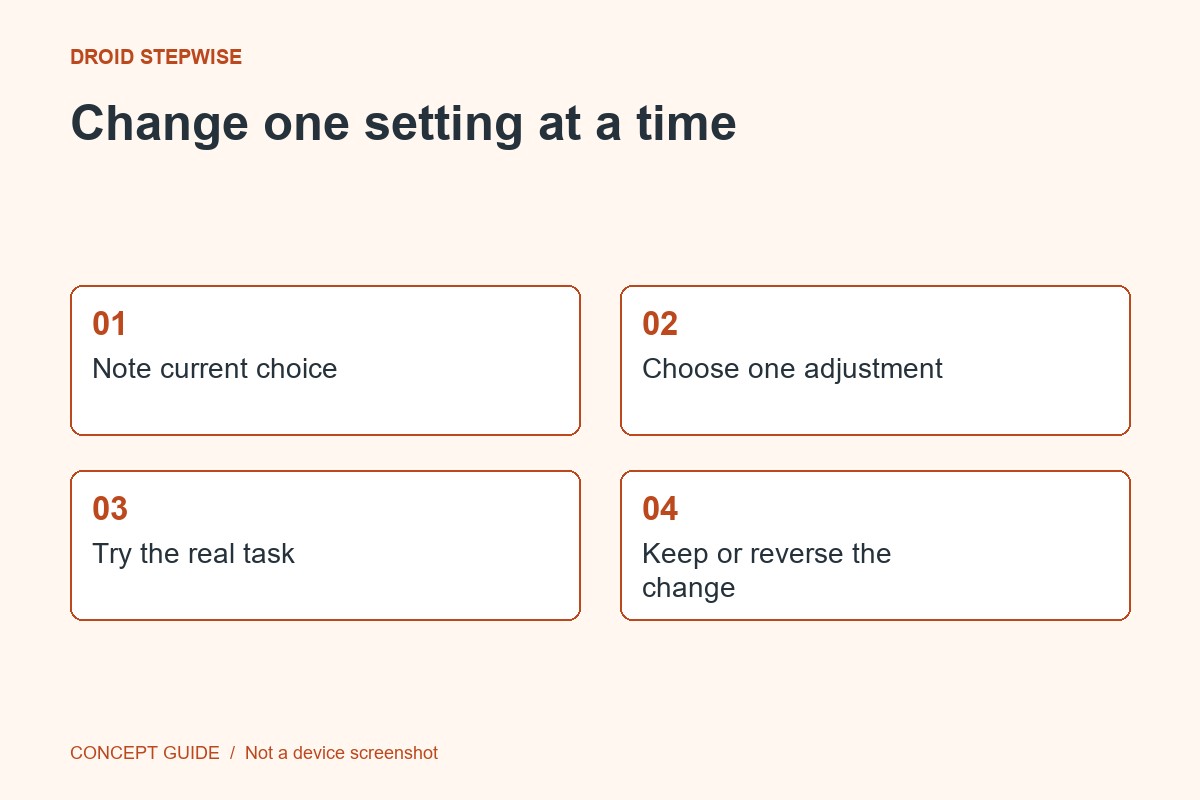
1. State the purpose
Write a simple aim such as keeping a casual browsing app out of a work break that tends to run long. Do not apply an arbitrary limit to an app you need for communication or a required task.
2. Find the supported control
Open Digital Wellbeing or the equivalent settings available on your phone. Inspect the app's usage view and timer option. Availability and labels vary by device, Android version and account management.
3. Choose and observe
Set the timer according to the current interface and read what happens when the limit is reached. Try it during a low-stakes day. If the control interrupts a necessary activity, adjust your choice rather than relying on repeated workarounds.
4. Review after a few days
Ask whether the timer helped the specific situation you identified. Usage minutes provide context but do not explain whether the activity was useful. Keep, change or remove the timer based on that practical result; there is no single correct limit for every reader.