A small test transfer helps you learn the sharing flow without exposing a private document. This guide focuses on choosing the intended recipient and checking the received file.
1. Prepare both devices
Keep the devices nearby, unlocked as required, and follow the current Quick Share requirements for Bluetooth and Wi-Fi. Open the receiver's receiving flow or appropriate visibility option. Controls vary by manufacturer, so use the official help if the labels differ.
2. Select a harmless file
On the sender, choose a small file and open its share menu, then Quick Share. Pick the intended device. Check the displayed device identity rather than selecting the first name in the list, especially in a shared space.
3. Accept and verify
Follow the confirmation shown on the devices. Once the transfer reports completion, open the file on the receiver. This verifies both delivery and usability. If the device was visible but transfer failed, record that stage rather than repeating only visibility changes.
4. Return to ordinary visibility
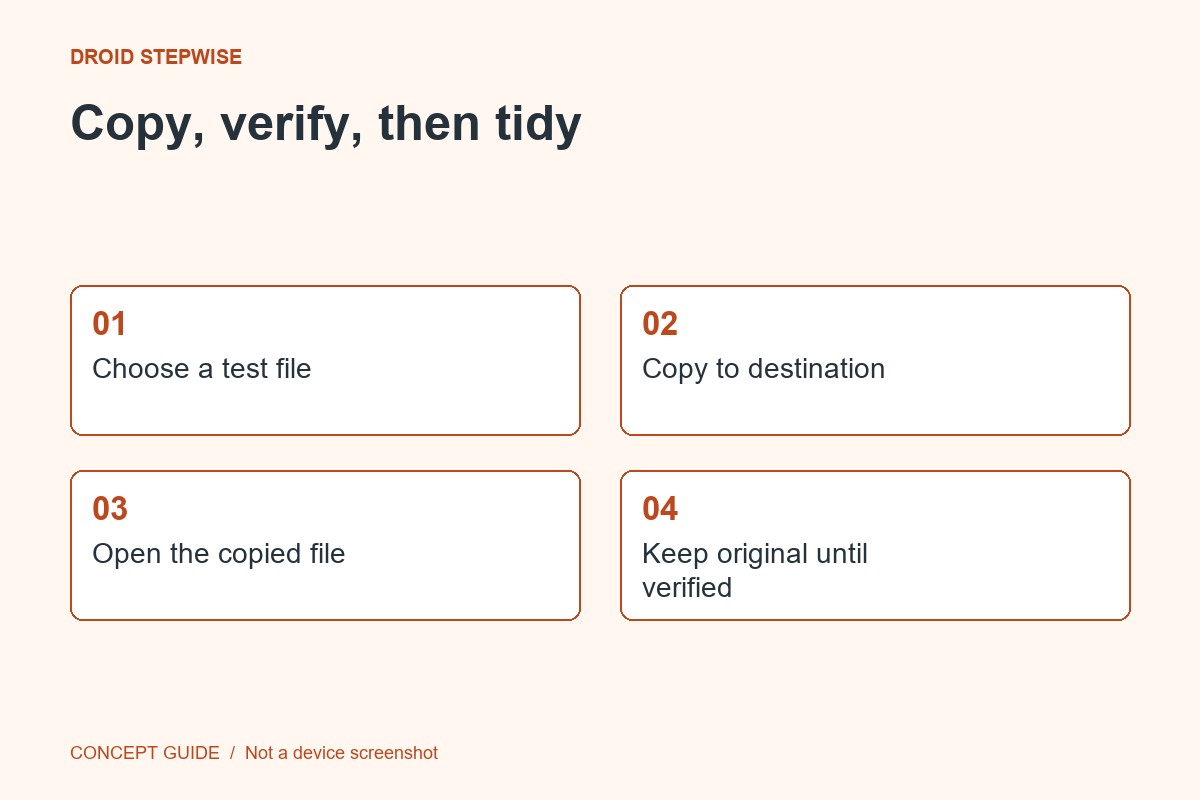
Close the receiving flow and restore the visibility level you normally use. If a temporary everyone option was used, understand its time limit. Keep the original until the received copy is checked, and use the same process for the real file only after confirming the recipient.